


Canva at Home™ Art Projector
Canva at Home™ Art Projector
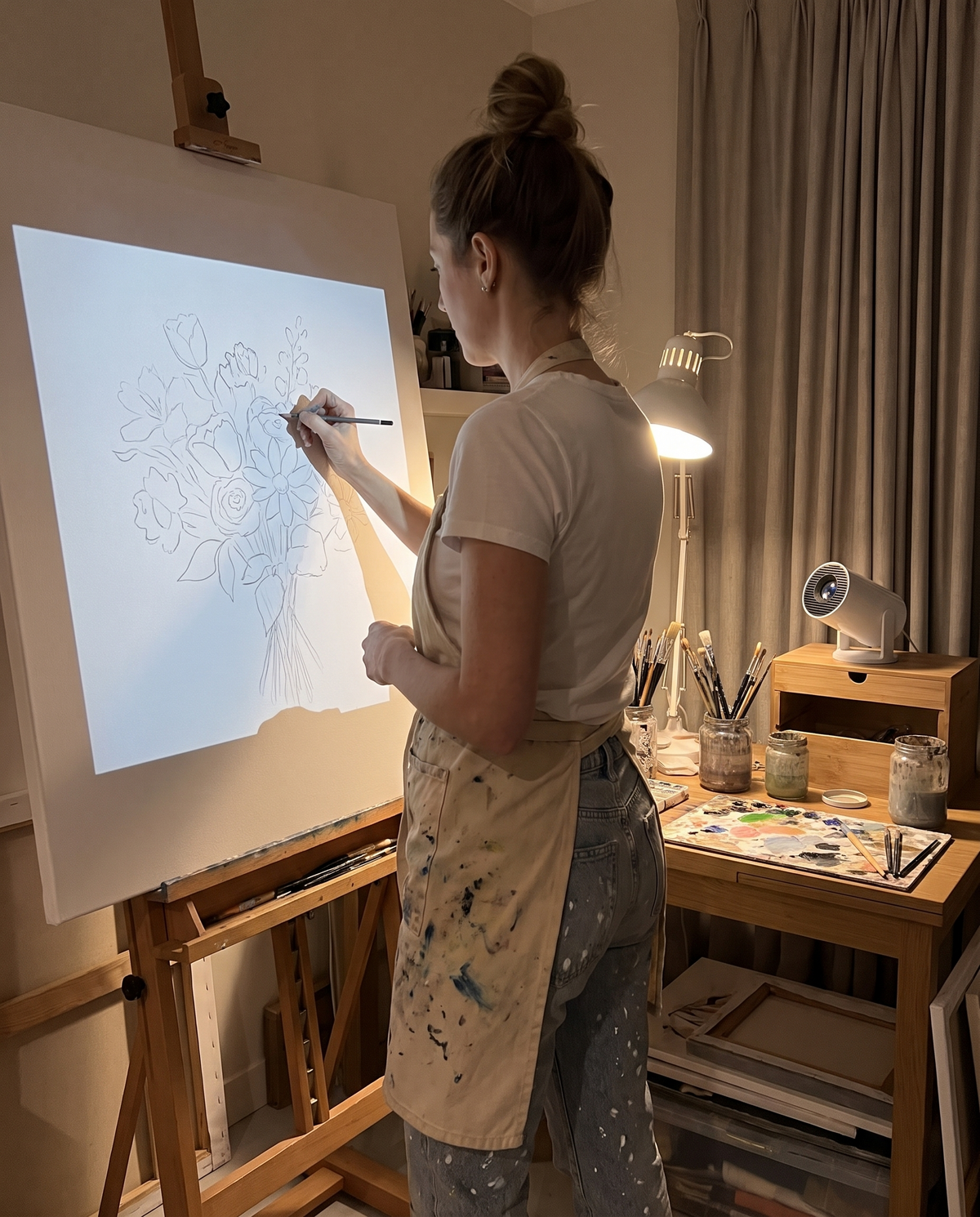
🎨 Trace Any Sketch: Project your drawing or reference photo onto canvas, paper or a wall, then trace it by hand.
🖌️ Made for Painters & Muralists: Get proportions right on everything from a small canvas panel to a full mural wall.
🎁 Perfect Artist Gift: A standout gift for painters, illustrators and DIY artists who love to create.
CHOOSE YOUR BUNDLE
Frequently asked questions.
Does Canva at Home draw for me?
No. It projects your sketch or reference image onto the surface, and you trace and paint every line by hand. It is a guide, not a printer.
How do I get my sketch onto Canva at Home?
Open your sketch or reference photo on your phone, tablet or laptop and display it through Canva at Home. Then aim, size and focus it on your surface.
What surfaces can I project onto?
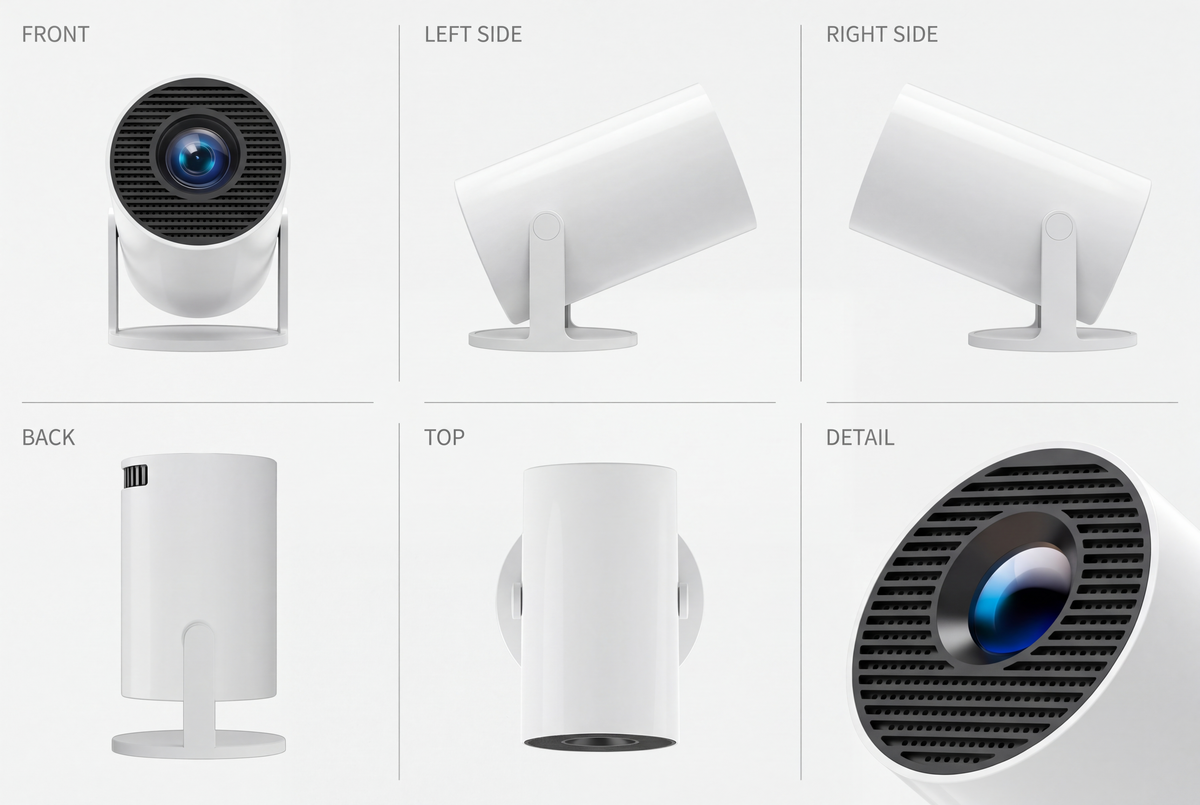
Stretched canvas, canvas panels, paper, wood boards and walls. Aim the adjustable stand at the surface and move the projector closer or farther to change the size of the image.
Do I need a dark room?
Dim is best. Close the curtains or turn off the main light so the projected lines read clearly while you trace. You can switch the lights back on to paint.
I am a beginner. Is this for me?
Yes. Tracing a projected sketch is one of the easiest ways to get proportions right on your first big canvas, and plenty of professional muralists and portrait artists work the same way.
What if I bump it while tracing?
Mark the corners of the projected image with small pencil ticks before you start. If the projector moves, line the image back up with your marks and keep going.
Is there a guarantee?
Yes. You have 30 days to try Canva at Home. If it is not right for you, contact us within 30 days for a refund.
Try it for 30 days.
Love it or get your money back.
Use Canva at Home on your next canvas or wall. If it is not right for you, contact us within 30 days and we will refund you.
- 30 days to try it on your real projects
- Not for you? Message us within 30 days for a refund
- Free shipping worldwide
Your sketch, on any canvas you choose.
Getting proportions right is the hardest part of a big piece. Grids take hours, carbon paper smudges, and freehand scaling means erasing the same face five times.
Canva at Home puts your sketch exactly where it needs to go. Dim the room, aim the projector, and trace the lines you already designed.
Get yours
grid lines to measure and erase
of the lines drawn by your own hand
steps from sketch to canvas
How Canva at Home works.
Send your sketch to Canva at Home
Open your drawing, reference photo or lettering layout on your phone, tablet or laptop and display it through Canva at Home.
Aim it at your surface
Tilt the stand toward your canvas or wall. Move the projector closer for a smaller image or farther back for a bigger one, then focus until the lines look sharp.
Trace the projected lines
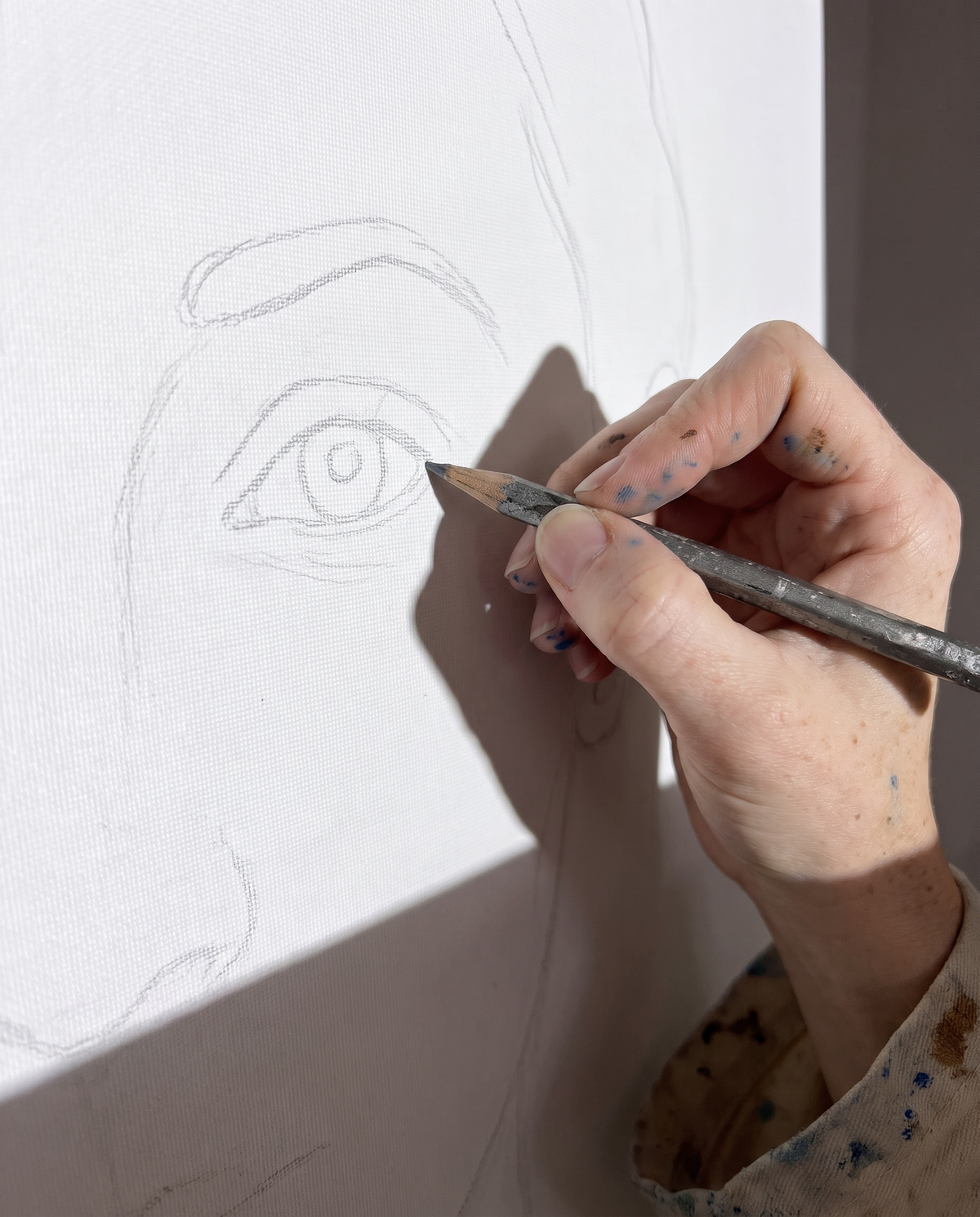
Dim the room and follow the outline with pencil, charcoal or paint. Every line on the canvas is drawn by you.

Less measuring. More painting.
Perfect proportions, first try
Trace straight from your own sketch or reference, so faces, lettering and perspective land exactly where you planned.
From a small canvas to a full wall
Move the projector closer for a canvas panel or farther back for a mural. The image grows with the distance.
Hours back for the fun part
Skip the grid and the carbon paper. Spend your time on color, texture and brushwork instead of measuring.
Still 100% your art
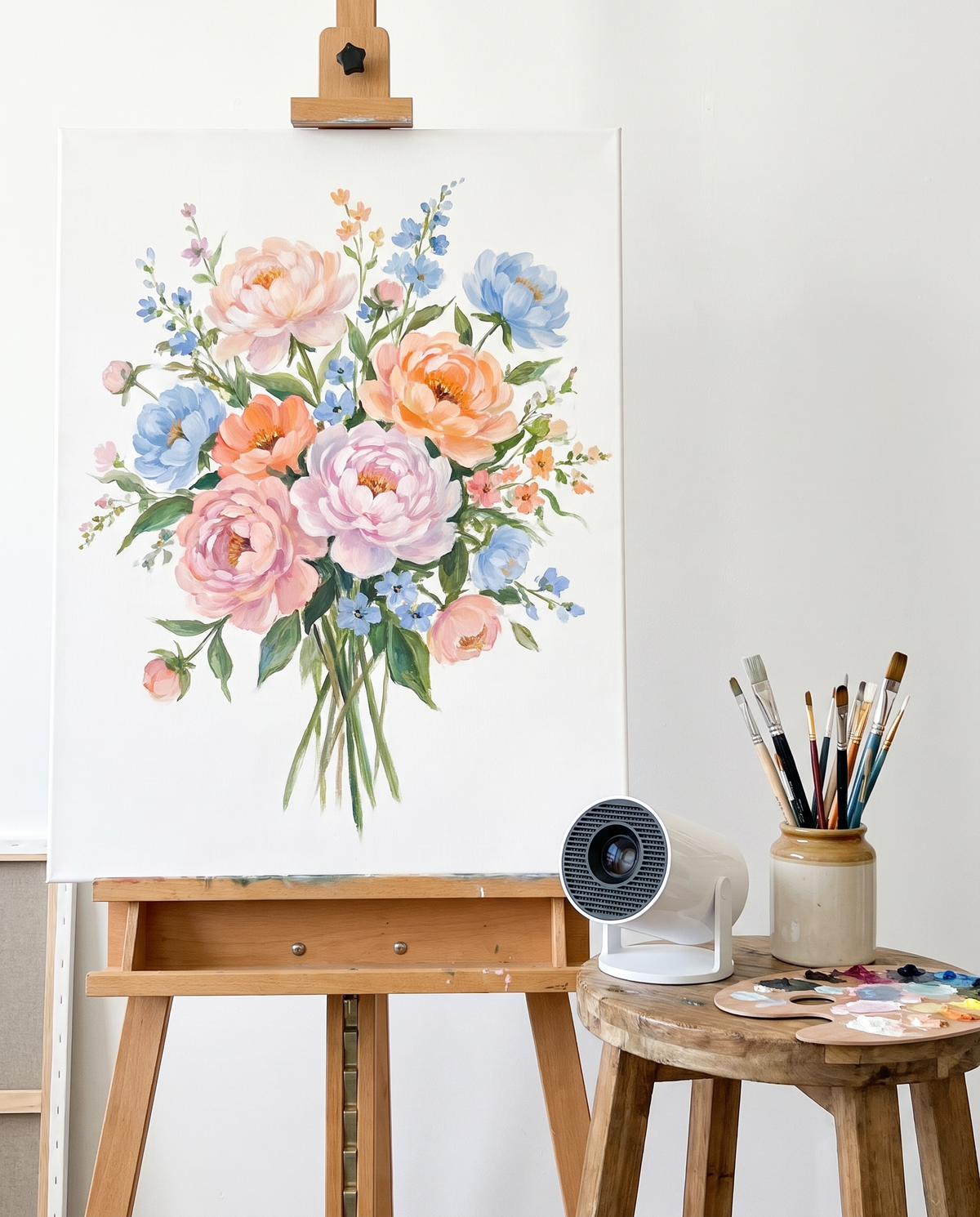
Canva at Home only shows the outline. Every line and every brushstroke is still yours.

Get clean lines every time.
Six simple habits for faster, more accurate tracing on canvas, paper or walls.
01 · Dim the room
Close the curtains or turn off the main light. The projected lines read clearest in a dim room.
02 · Center it on your canvas
Place Canva at Home straight in front of the middle of your surface so the sketch does not stretch at the edges.
03 · Size it with distance
Closer means smaller, farther means bigger. Find the size you want before you start tracing.
04 · Focus until it is crisp
Adjust the focus until thin lines are sharp from corner to corner.
05 · Keep everything still
Do not bump the projector or the easel while you trace. Mark the four corners of the image with light pencil ticks so you can line it back up if something moves.
06 · Trace light, then check
Use light strokes first. Turn the projector off now and then to see your lines on their own, then refine.

Made for real studios.
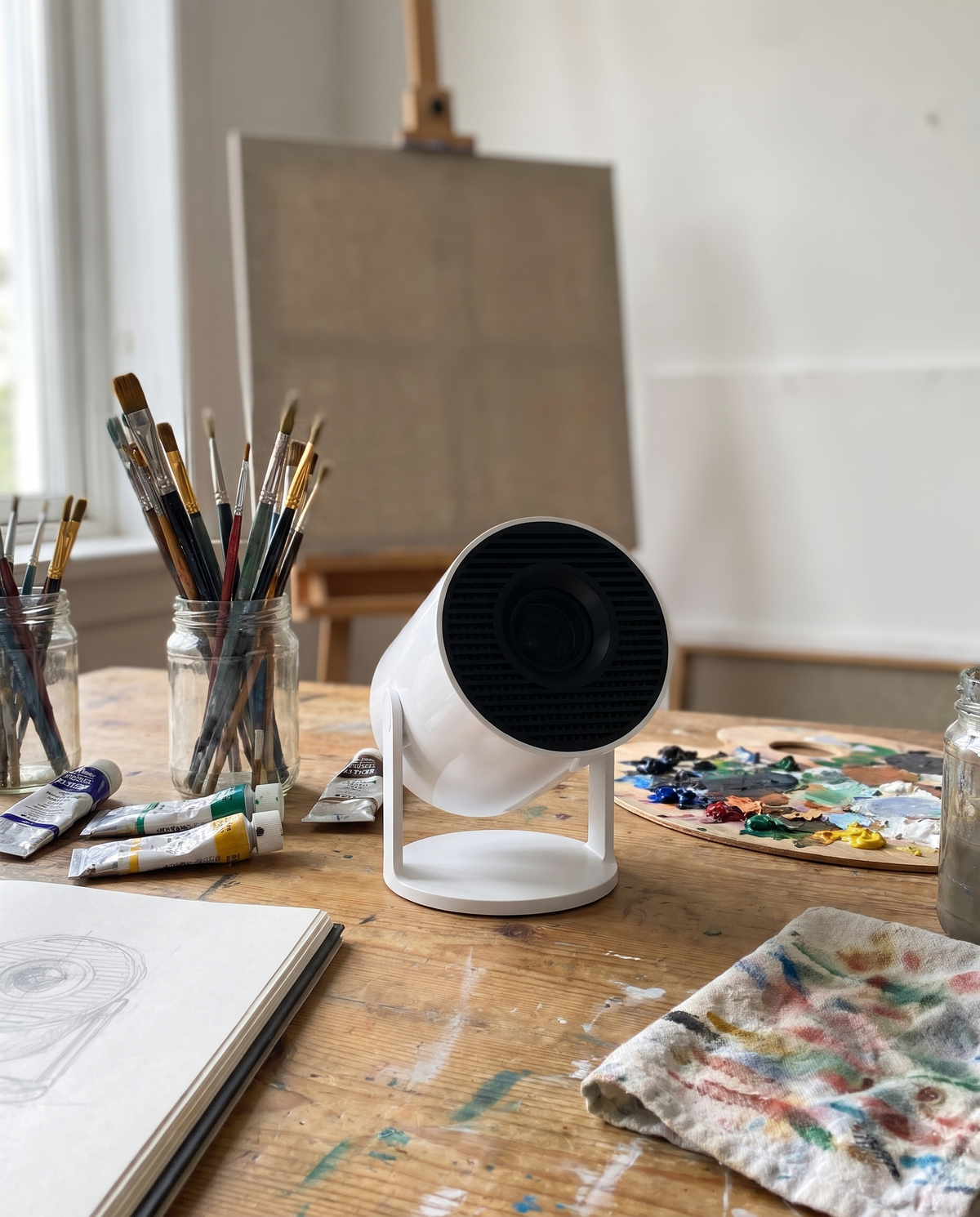
Spare bedroom, garage studio or the corner of the living room. Canva at Home works wherever you paint.


Same art. Way less erasing.
| Feature | Canva at Home | Grid & carbon paper |
|---|---|---|
| Get proportions right on the first try | ✓ | – |
| No grid to draw and erase | ✓ | – |
| Scale up to a full wall | ✓ | – |
| Switch sketches in seconds | ✓ | – |
| Every line drawn by hand | ✓ | ✓ |
What artists could say about Canva at Home.

The lines show up clean
In a dark room the outline is clear enough to trace fine details like hair. Exactly what I needed for portraits.

Did my son's mural myself
I was about to hire someone. Projected the whale on the wall and painted it over two weekends. He loves it.

Small and easy to aim
It lives on my desk next to my sketchbook. The remote means I can adjust things without walking back and forth.
Pet portraits got so much easier
Getting the eyes and nose in the right place used to take me forever. Now the outline is right in minutes and I spend my time on the fur.
Great for inking big pages
I sketch small and project it up to full size on my drawing board. Saves me a whole redraw.

Proportions finally right
My landscapes always ended up lopsided. I traced the horizon and mountains first and the whole painting came together.

Great for lettering
Perfect for big quote canvases. Works best with the room really dark, so I trace at night.
56 and finally painting big
I never thought I could get a cottage scene proportioned right. Traced it in an hour and I have been painting every night since.